Portfolio
Creating Professional Academic Submissions: A Follow-Up to the 1-Click Thesis Application
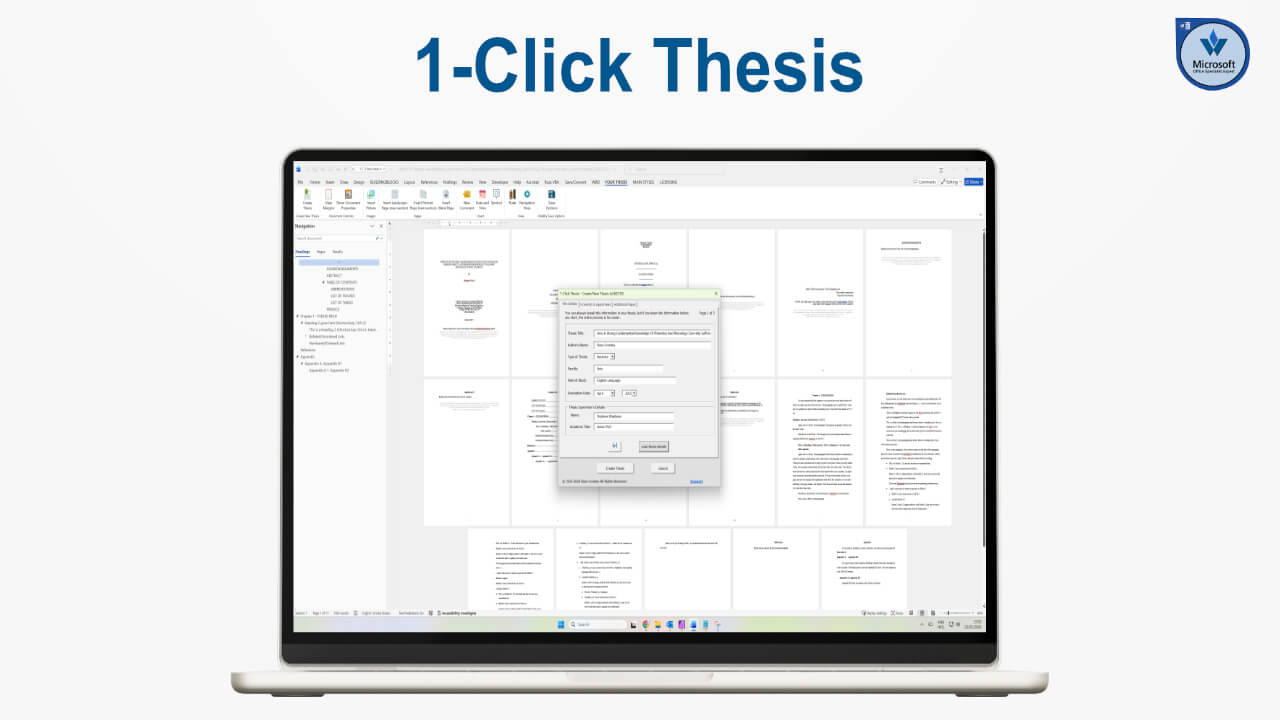
As a follow-up to 1-Click Thesis, I wanted to address a common challenge students face.
When completing a Bachelor’s degree or any other academic programme, assignments must be submitted in a specific format, often with detailed institutional requirements.
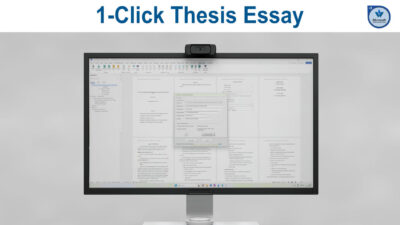
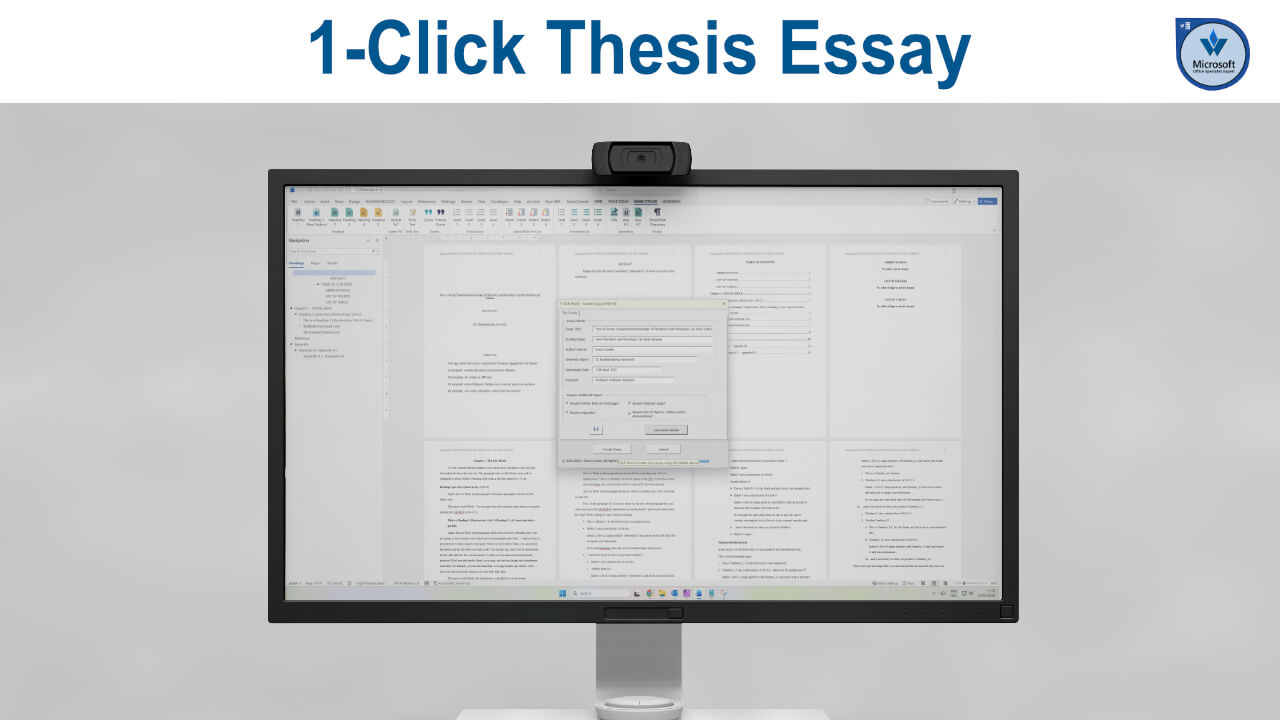
To address this, I created two additional applications: 1-Click Essay and, this one, 1-Click Thesis Abstract.
Demonstrating the Thesis Abstract Tool
The thesis abstract tool follows the same structured approach as the previous applications.
After enabling macros (if you installed these as an app, you would enable these by default), you simply load the abstract details and enter the required information.
For example:
- “How to Create Professional Academic Submissions Using Microsoft Word”
- Author: Russ Crowley
- Degree level: Doctorate (for demonstration purposes)
- Subject area: Arts/English Language
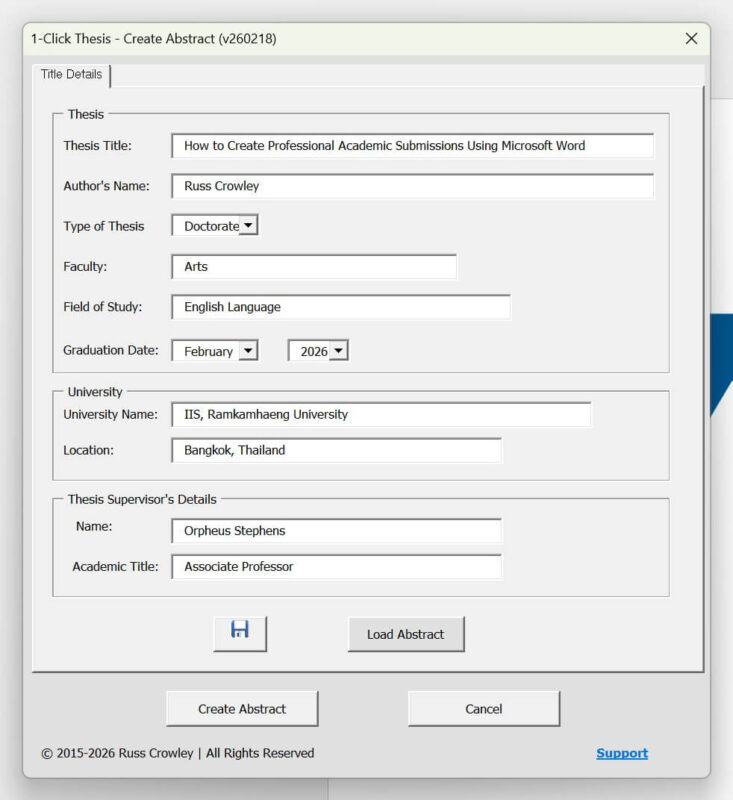
Once the information is entered, you click Create Abstract. The document is generated automatically and saved, producing a properly formatted abstract template.
Clear Instructions for Students
The template includes straightforward guidance: “Replace this text with that of your abstract. Maximum 350 words or as directed by your institution.”
The process is simple and structured. There are no unnecessary steps or complexity.
Why Students Continue to Struggle
Students often struggle with academic formatting because institutional instructions can be unclear or inconsistent. Even when guidance is provided, it is not always practical to implement within Word without a solid understanding of styles and structure.
This tool removes that uncertainty by generating a consistent, professional format aligned with typical academic standards.
In doing so, it helps reduce formatting errors and allows students to focus on the content of their work rather than the mechanics of document setup.