Portfolio
Because 1-Click Book Creation was well-received, and also because at the time I was completing my Bachelor’s degree while my wife was completing her Master’s degree, plus I was involved in editing academic theses and dissertations, I became very familiar with the thesis and dissertation instructions universities were giving to students to help them produce academic work in Microsoft Word.
Word Formatting Instructions from Institutions Is Appalling
In all honesty, the instructions were extremely poor (and this is being polite). As a certified Microsoft Word expert who’s been using Word for over 30 years, I like to think I can figure most things out, yet I struggled to understand what was actually required.
Over the years I have helped academics from the UK, Australia, the US, and elsewhere format and publish their master’s theses and doctoral dissertations. The instructions issued by many institutions are consistently inadequate. This was the case ten years ago, and little has improved since then.
What Are Students Paying For?
There was one university on the south coast of the UK where I helped a friend’s son with his dissertation.
I asked him to send me the official instructions, and they were of the same vein–very, very poor. Afterwards, I contacted the university directly to offer assistance, but they explained that they already had a Microsoft partner.
I understand that position, but there still needs to be a standard. Students pay significant fees for their education, and the documentation they receive to guide such an important piece of work should reflect that.
It didn’t then, and it still doesn’t now.
That’s Why I created 1-Click Thesis
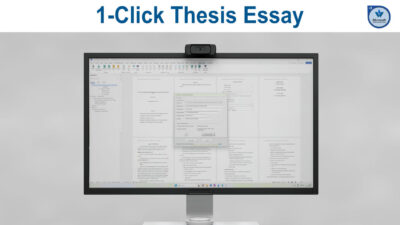
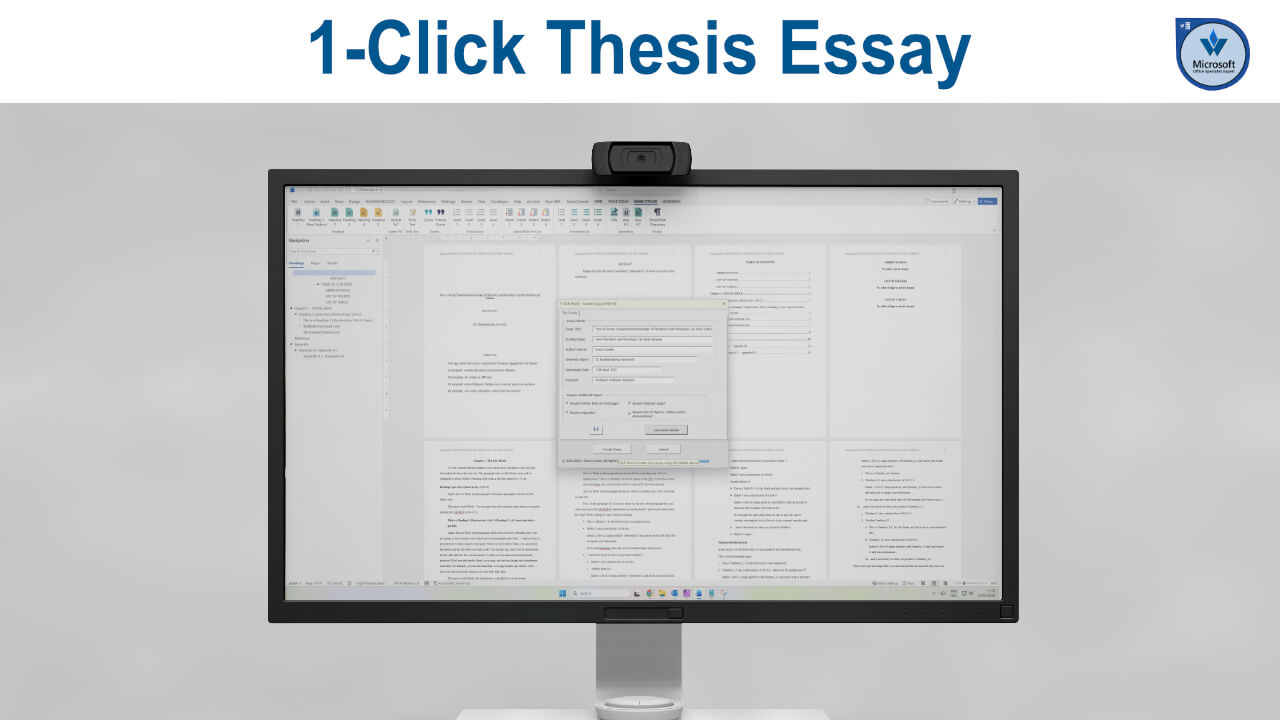
In response, I developed a piece of software called 1-Click Thesis.
Like 1-Click Book Creation, it is a macro-enabled Microsoft Word template built in VBA.
Once the file is opened and content is enabled, the interface is straightforward and the structure follows the same principles as 1-Click Book Creation.
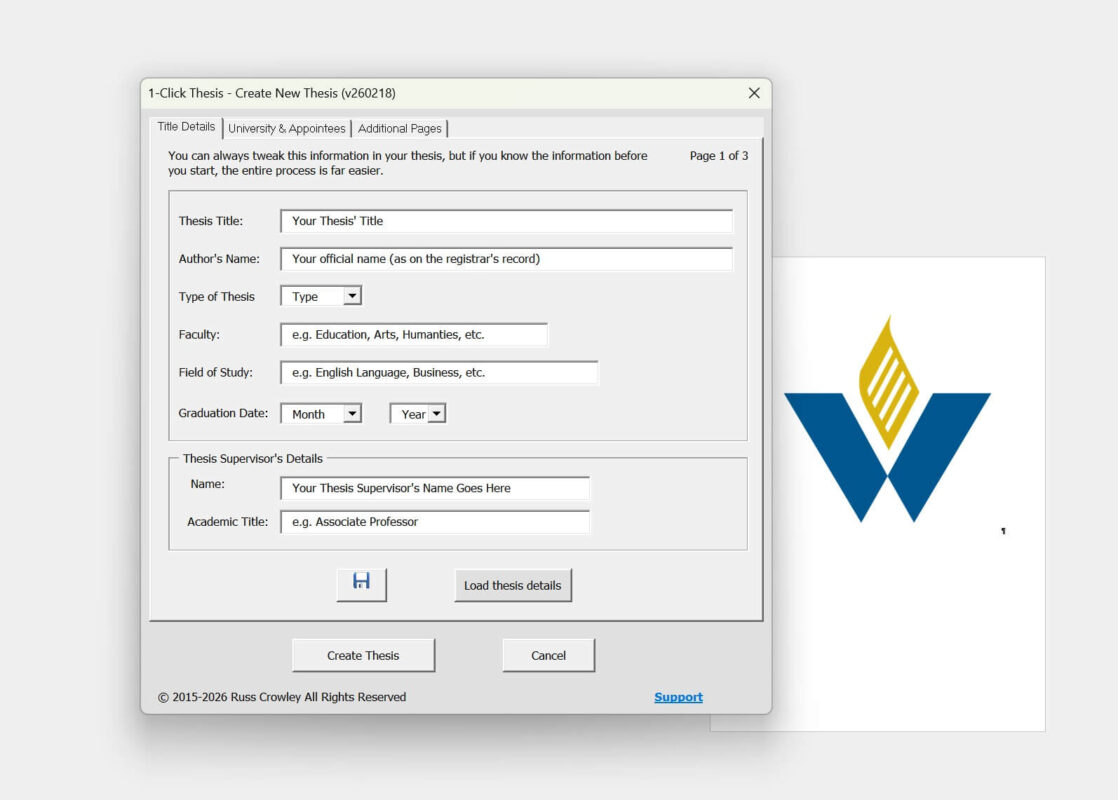
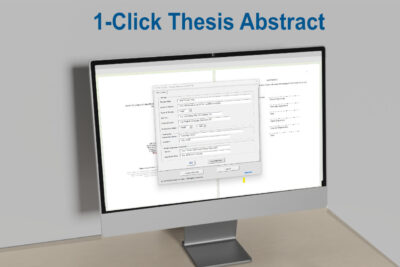
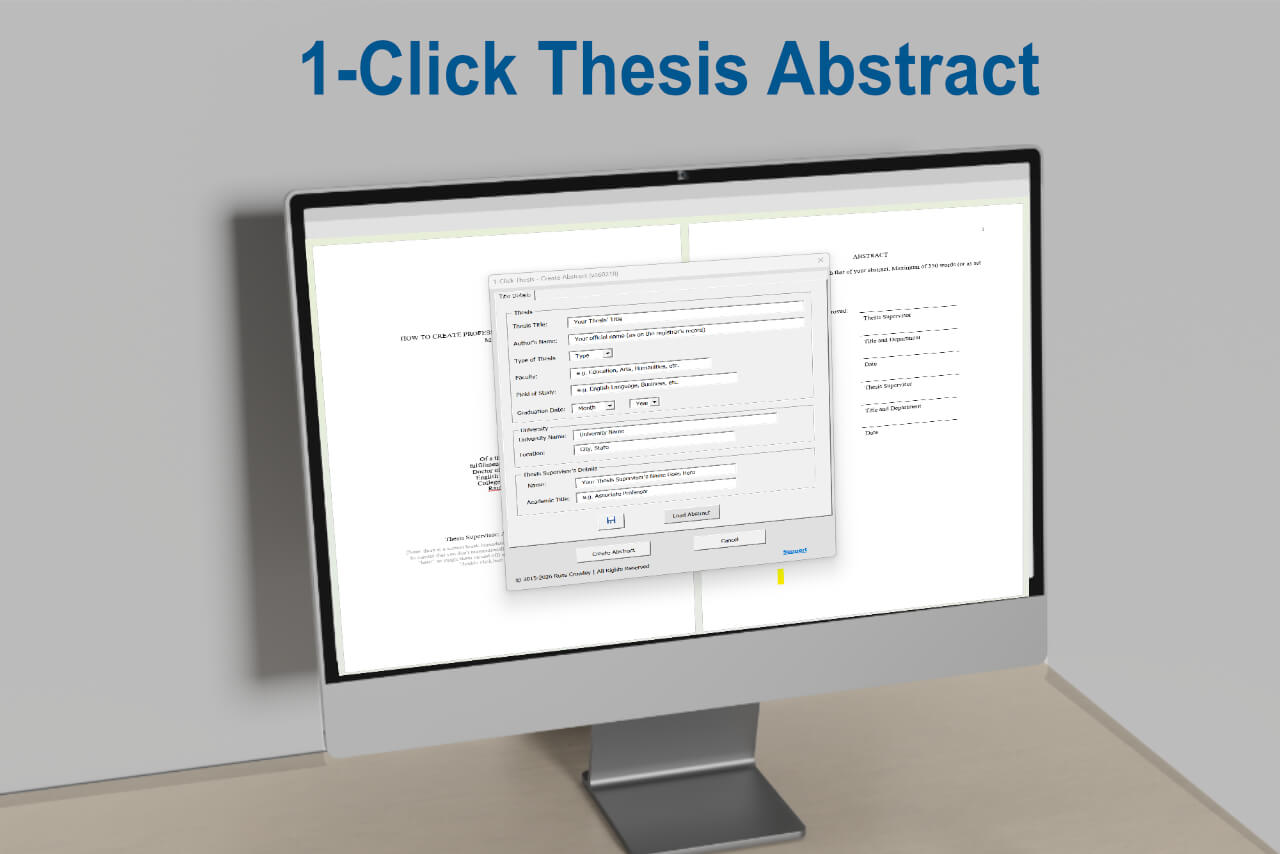
Users enter the thesis title, author name, and the other information required by their institution. The template can be customised for any university. If the format does not match a particular institution’s requirements, it can be adapted accordingly. After entering the thesis details, the file can be saved and reloaded as needed.
The form includes university information and optional preliminary pages such as dedication and epigraph:
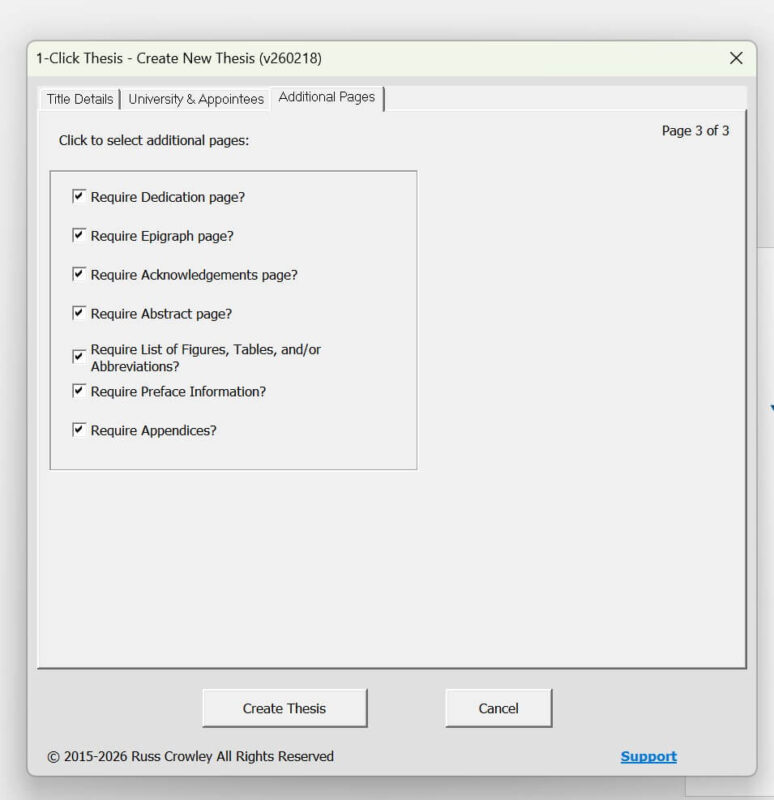
When ready, the user clicks “Create Thesis.”
The template then generates the complete structural framework of the thesis in the background.
Once created, the file saves automatically, the form closes, and the document is created with the correct formatting applied.
From that point, the user simply follows the instructions in the document, turns on Show/Hide formatting marks, removes the placeholder text, and begins writing. Instructional notes can be removed easily.
As with One Click Book Creation, custom menus are included for common tasks. The template uses a structured set of Word styles. In Microsoft Word there are nine heading levels, from Heading 1 to Heading 9. Academic documents are hierarchical by nature, and proper use of heading levels forms the foundation of well-structured documentation.
The software is licensed, with appropriate licensing attached.
For example, here is another thesis generated using the template: Effects of Strategy-Based Reading Instruction on English Reading Ability and Reading Self-Efficacy of Lower Secondary School Students. After entering the relevant details — supervisor, university, graduation date — clicking “Create Thesis” generates the formatted document in line with institutional requirements.
That is the core of how 1-Click Thesis works.