Portfolio
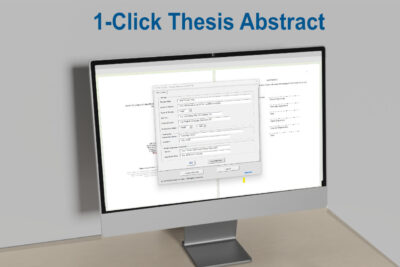
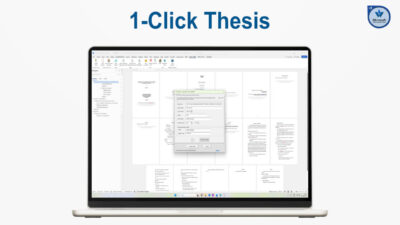
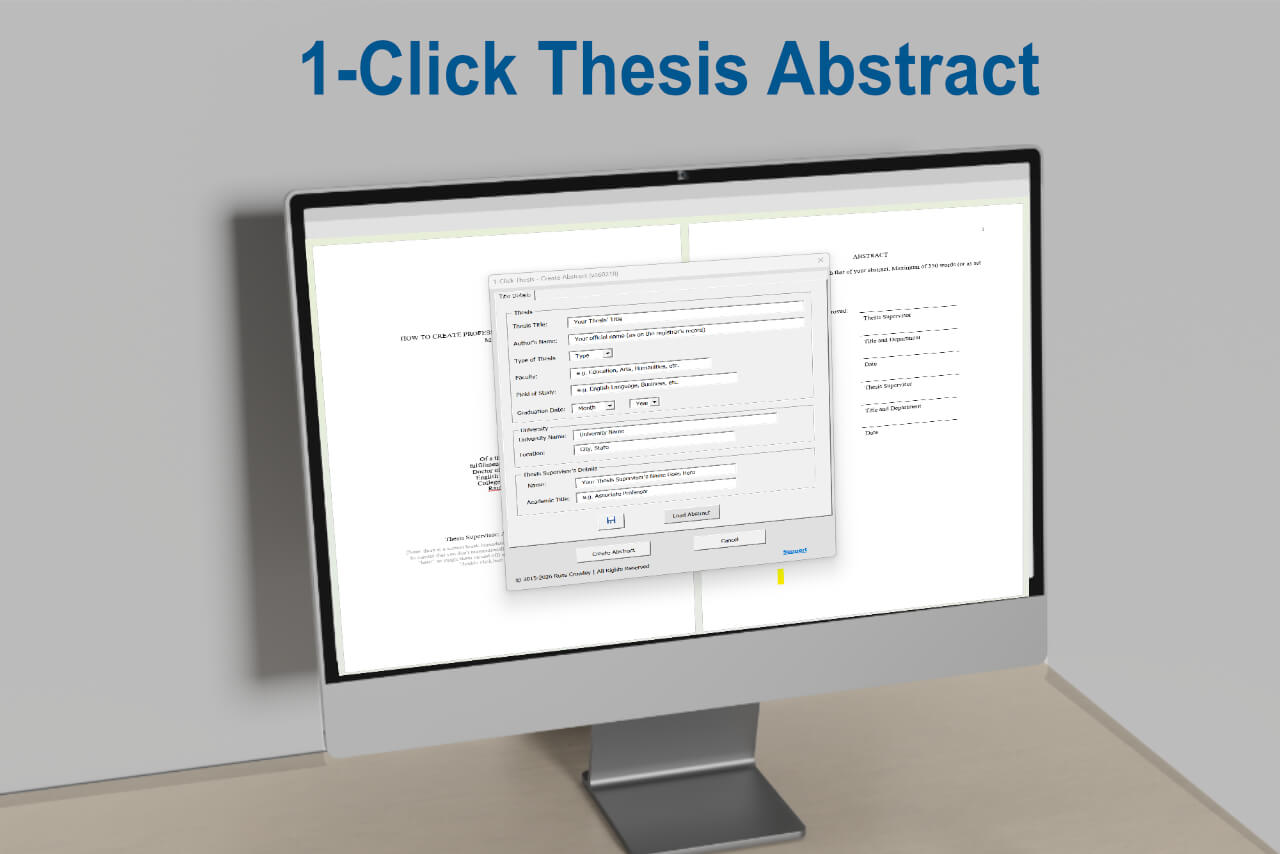
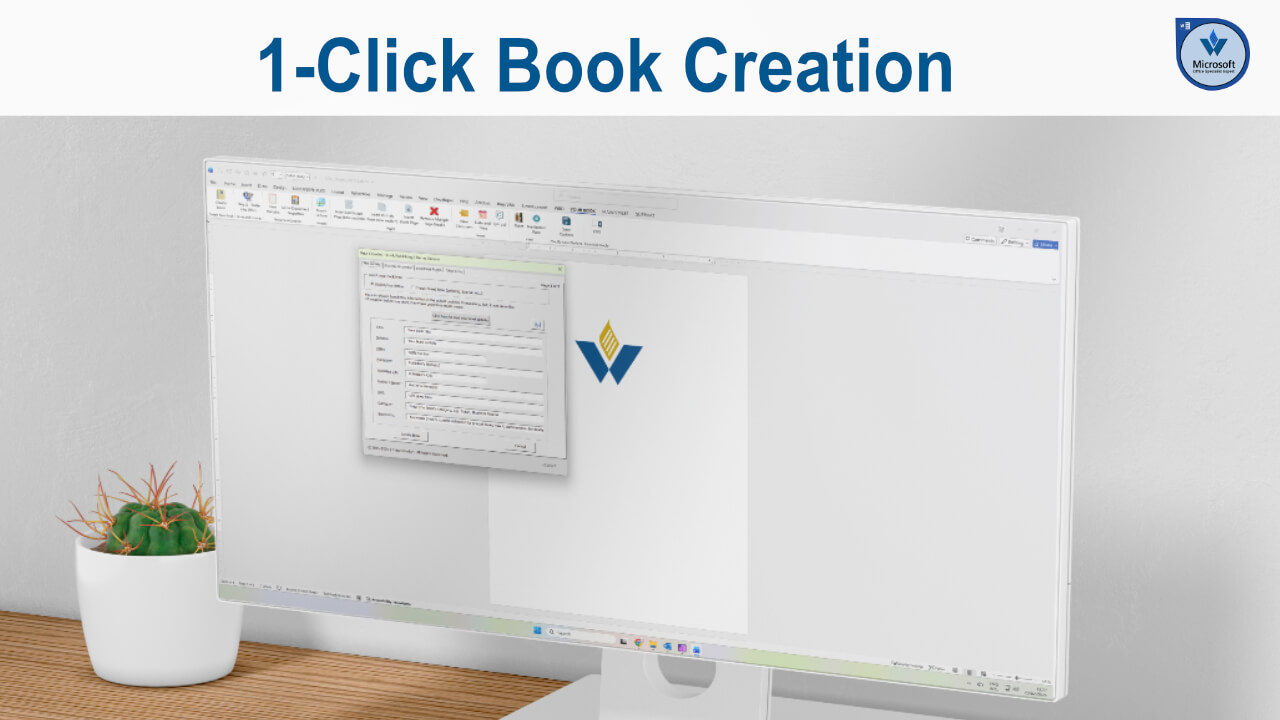
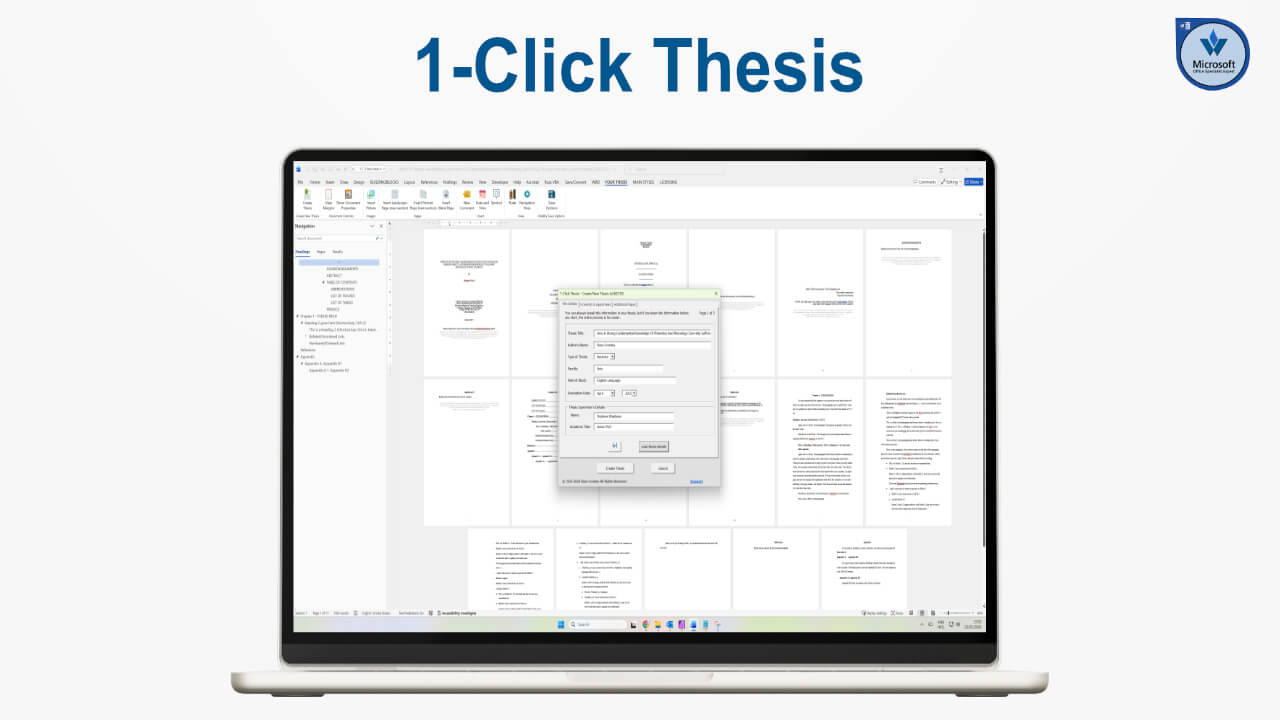
As mentioned in the previous video, the second 1-click application I created was 1-Click Thesis.
However, when you are completing a bachelor’s or master’s degree, you need to submit assignments and essays and, as always with documentation, it pays to be consistent and to not only use the same template each time, but one that also adheres to your institution’s requirements.
1-Click Essay was an easy bolt-on that provided a structured way to achieve that.
As you can see, the interface contains the standard essay information: title, running head, author name, university name, submission date, professor, and so on.
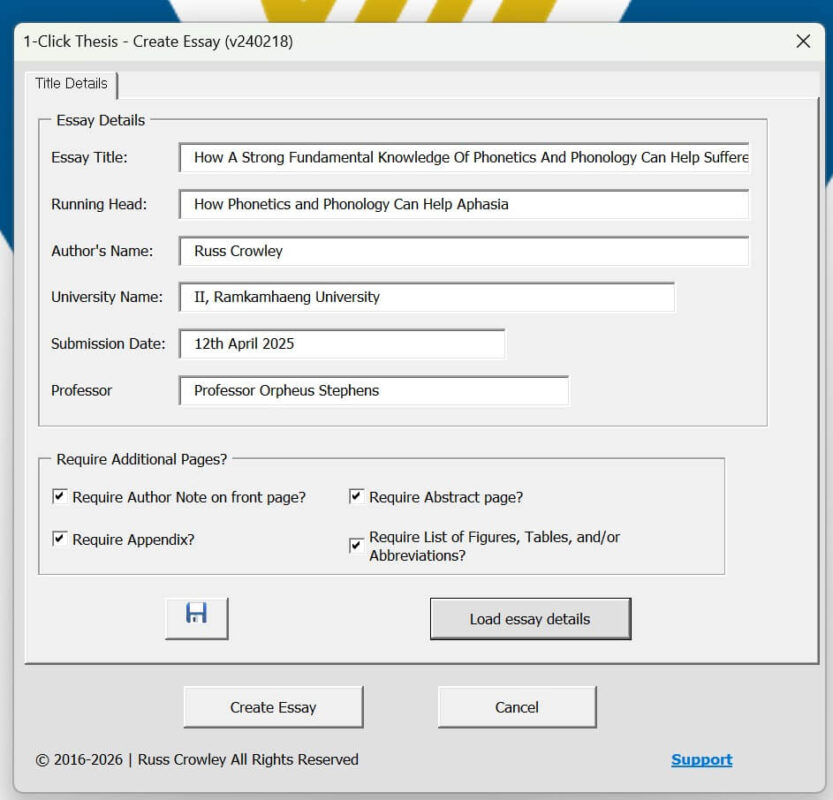
There are also additional pages available if required.
As before, you enter your details and can save the file in case you need to return to it later or make revisions. If you have already completed an essay, you can load the saved details. Here is one I created earlier, for an essay on phonology.
The title was: How Strong Fundamental Knowledge of Phonetics and Phonology Can Help Sufferers of Aphasia
This topic was quite personal to me, as my father experienced several strokes.
Creating Your Essay
When everything is ready, you click Create Essay.
The template is generated in the background and the file is saved automatically.
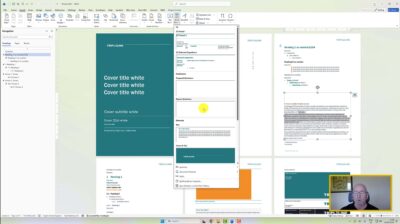
The finished document includes the title, author, institution, author notes, running head, table of contents, and built-in guidance and instructions.
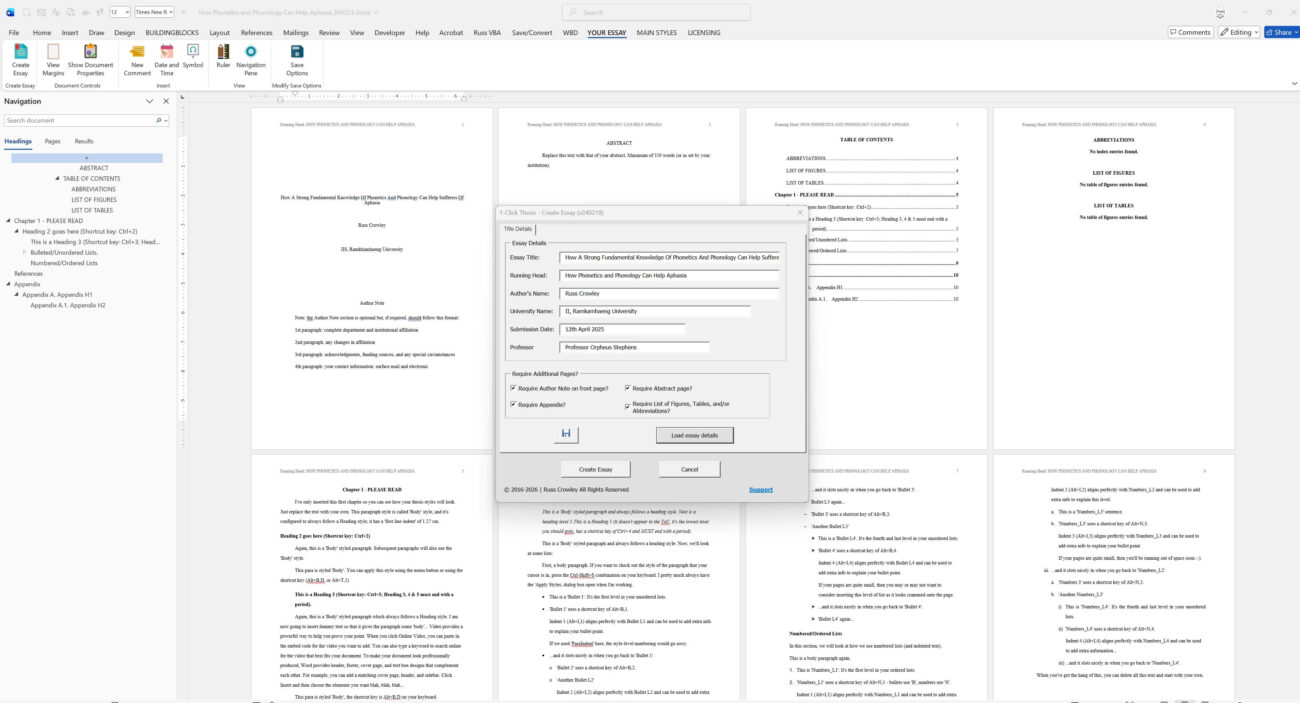
This demonstrates how VBA can be used to input structured information and generate a correctly formatted document. It provides flexibility and ensures that everything is created and recorded consistently.
I developed this application around seven or eight years ago. If I were building it today, I would approach it differently, and I will explain that in another video.
VBA Comes With its own challenges
VBA has its place when working within Word in a business environment, but it comes with challenges such as macro security, trusted locations, and Trust Center restrictions.
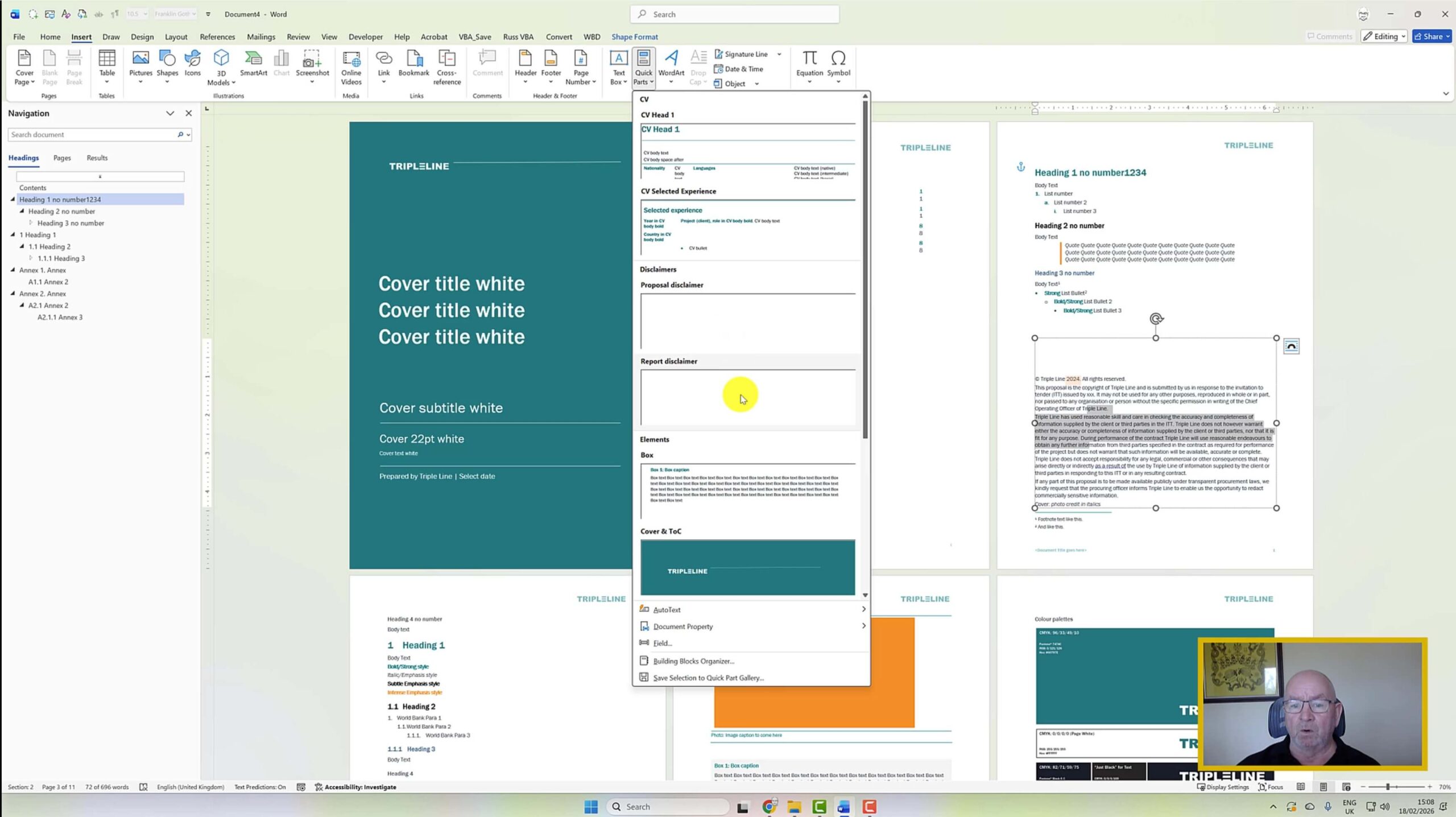
There are workarounds, as shown in the Triple Line example, but they are not always ideal.
In that case, the client began with a macro-enabled template that had become unusable due to the number of issues it caused.
What I discovered was that we could achieve everything they required without using VBA and given the choice, a non-VBA solution is generally more practical, particularly when working across shared environments such as SharePoint.
One additional feature I built into this software was custom menu items for essay styles.

Ultimately, this relies on Word’s underlying style system and, as you’ll know if you’ve been following my work for some time, styles are fundamental to how Word works and are the key aspect of using the application properly.
Thank you.